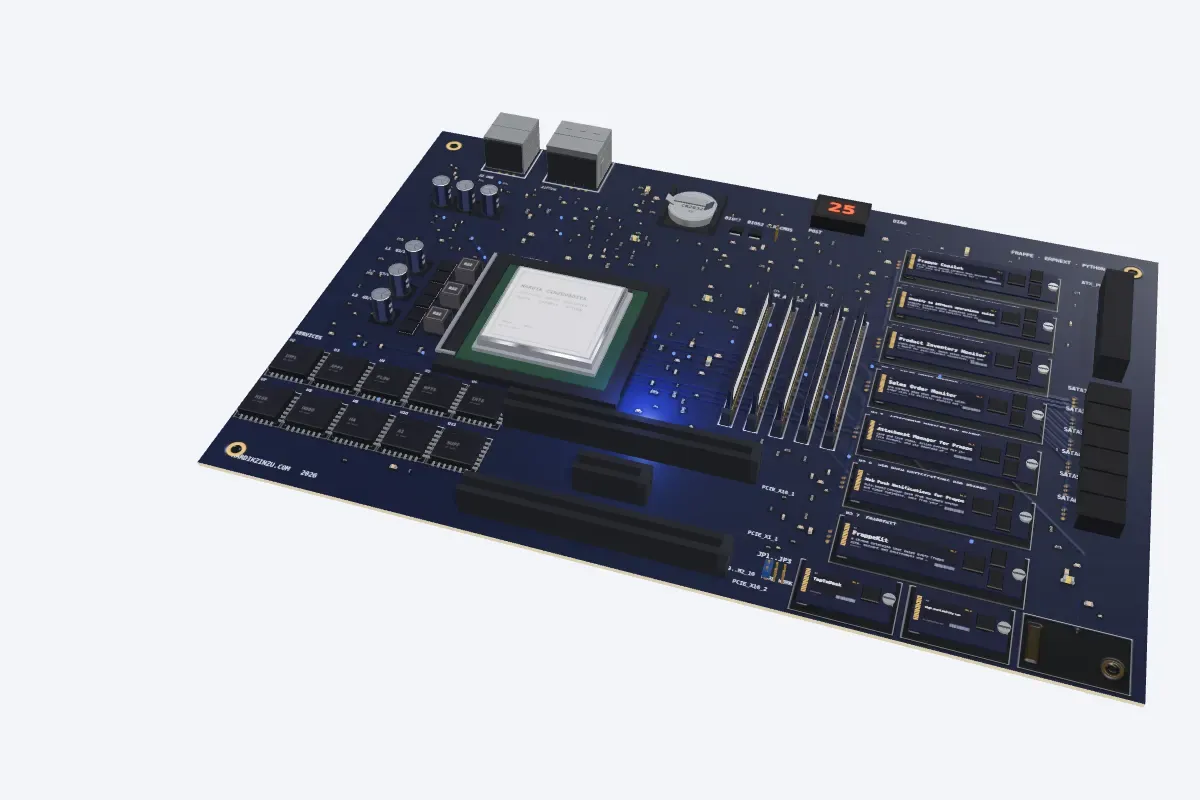
Custom Frappe apps and ERPNext features
Features your team needs and ERPNext does not have, built as proper Frappe apps that survive upgrades: monitors, approval flows, document automation, dashboards.
What this covers
- Monitors and dashboards
- Approval flows
- Document automation
- Features ERPNext does not have, built as proper Frappe apps
- Tested on ERPNext v14 to v16
How an engagement runs
- 01
A first conversation
You describe what is slow, manual or fragile. I ask questions, not for a budget, and say plainly whether it is work I should do.
- 02
Scope in writing
What changes, what does not, how we will know it worked, and what I need from you: access, a copy of the site, a person who knows the process.
- 03
Build on a copy
Work happens on a staging copy of your site. You review it there before anything touches production.
- 04
Go-live with a gate
Releases and migrations follow a rehearsed plan with a tested rollback. Nothing writes to production without approval.
- 05
After go-live
Fixes, monitoring and upgrades under support and maintenance, if you want them.
Related work
Attachment Manager for FrappeCard and list views, inline preview for 15+ file formats, and zip download of every attachment inside any Frappe form.Web Push Notifications for FrappeRule-based browser push from document events and timed reminders, sent from your own server with no third-party relay.FrappeKitA Chrome extension that keeps every Frappe site, account and environment one click away, with alerts and developer tools.
Questions I get asked
- Will a custom app survive the next ERPNext upgrade?
- That is the point of building it as a proper Frappe app instead of patching core: the apps on this site run on ERPNext v14 to v16 and are re-tested on each version.
- Customisation or a separate app?
- A separate app whenever the change is more than a field. Core stays untouched, so upgrades stay boring and the feature can be removed cleanly.
- Do you use AI to write the code?
- Claude Code, Copilot and Cursor write a lot of the first draft. Every line still passes a review, a test and a security check before it ships.